For client-side PMOs
Run the programme your organisation is paying for, on facts you can check.
A client-side PMO holds the integrator, the business and the budget to one plan. That is hard when the plan is in one tool, the RAID log in a spreadsheet and the status report in a slide deck that someone rebuilds every Friday.
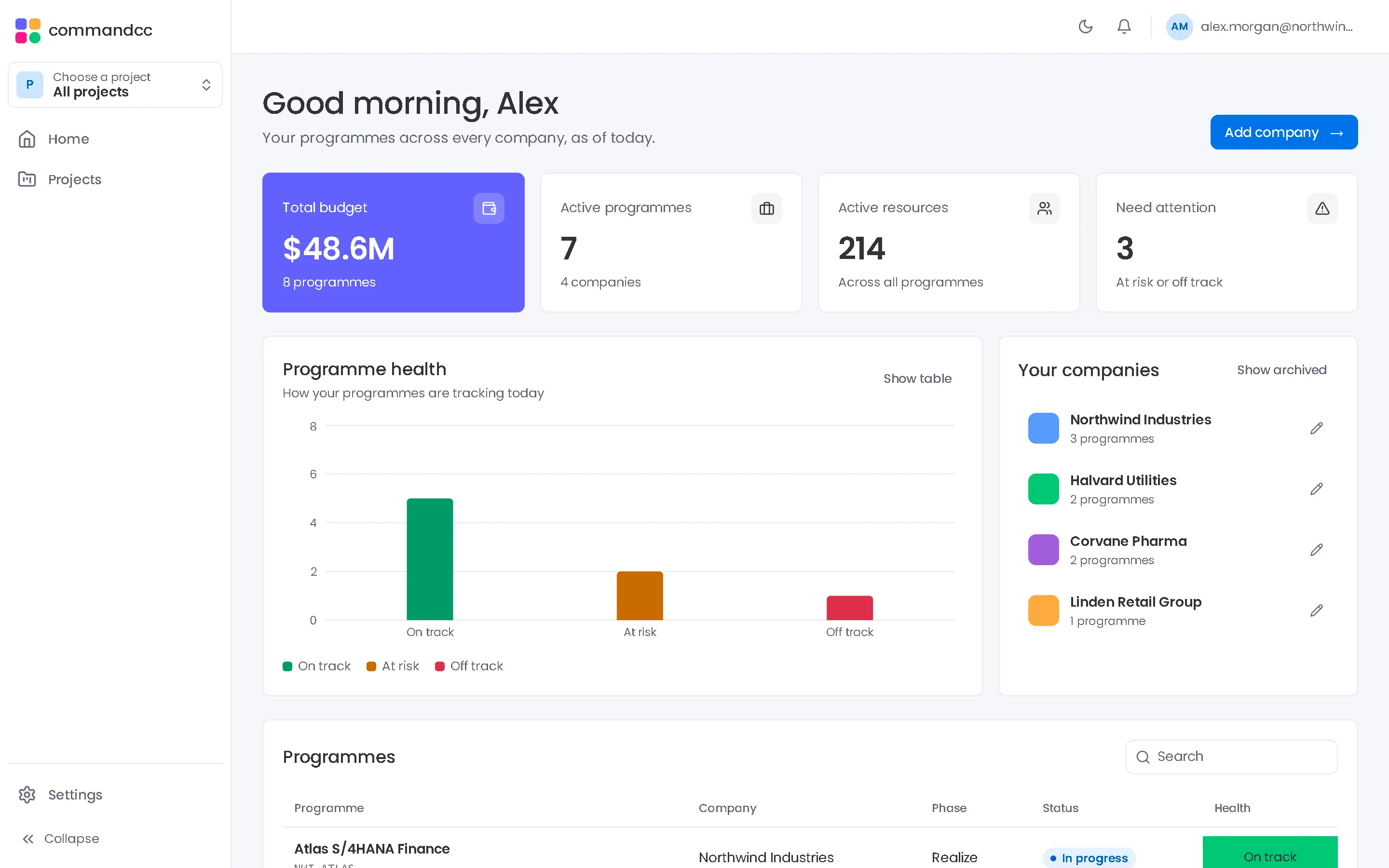
CommandCC gives the PMO one record of the programme. Workstreams update their own parts of it, and the PMO spends its time on the questions the numbers raise.

Client-side PMOs
Hold the programme to one plan, one set of registers and one weekly rhythm.

Problems CommandCC is built to remove
Status reports take a day to build
Numbers are copied from several sources into a template, and by the time the report is read, some of them are out of date.
The integrator reports on itself
Progress on build objects, testing and defects comes from the partner's own tracker, with no shared view underneath it.
Gates pass on goodwill
Criteria are discussed in the meeting instead of signed off beforehand, so conditions are forgotten by go-live.
The modules that matter most
Portfolio and reporting
Status reports from live records, with the commentary you write.
- Executive summary
- Dashboard
- Status reports
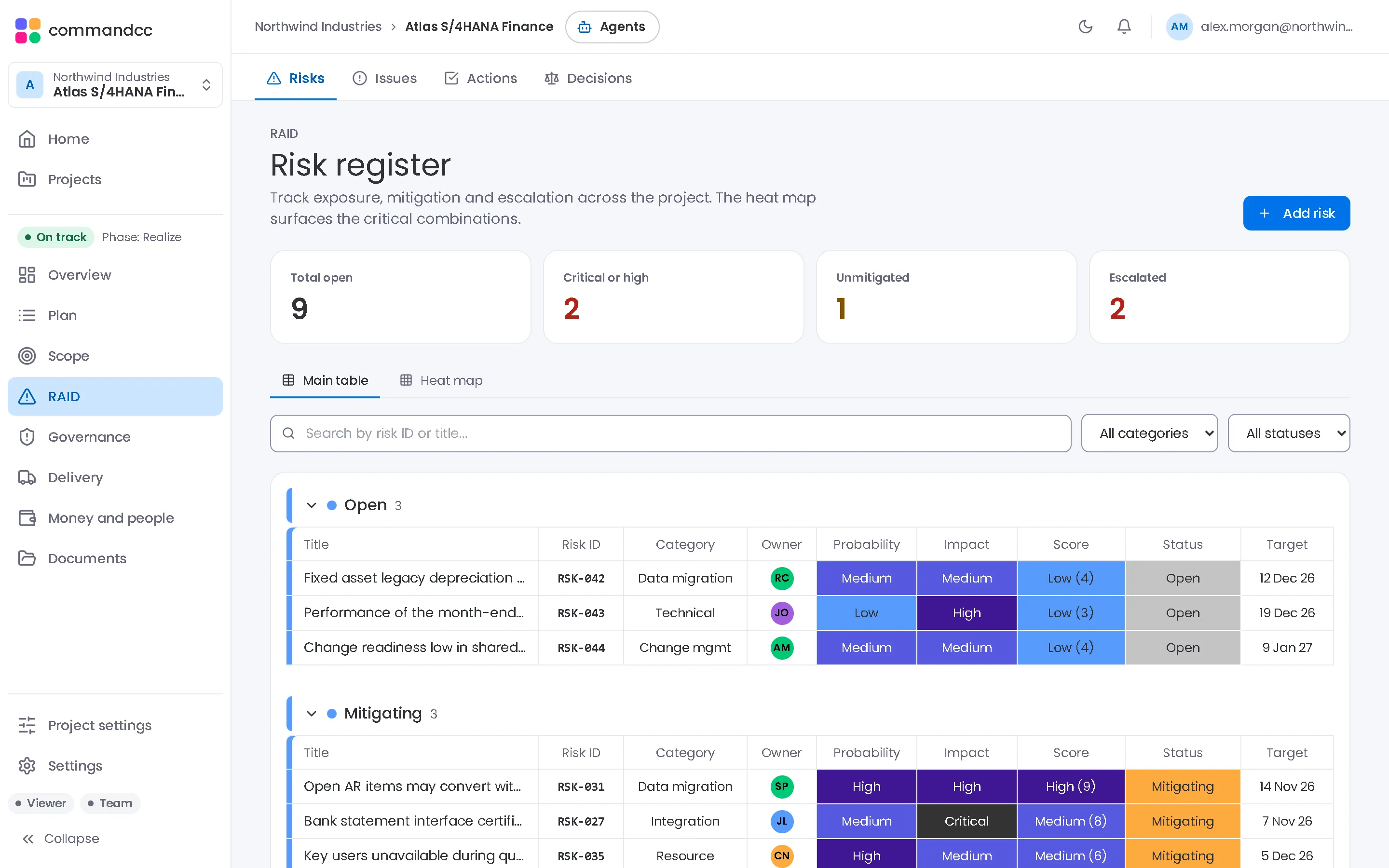
RAID
One log of risks, issues, actions and decisions, linked to tasks and meetings.
- Risks
- Issues
- Actions
Governance
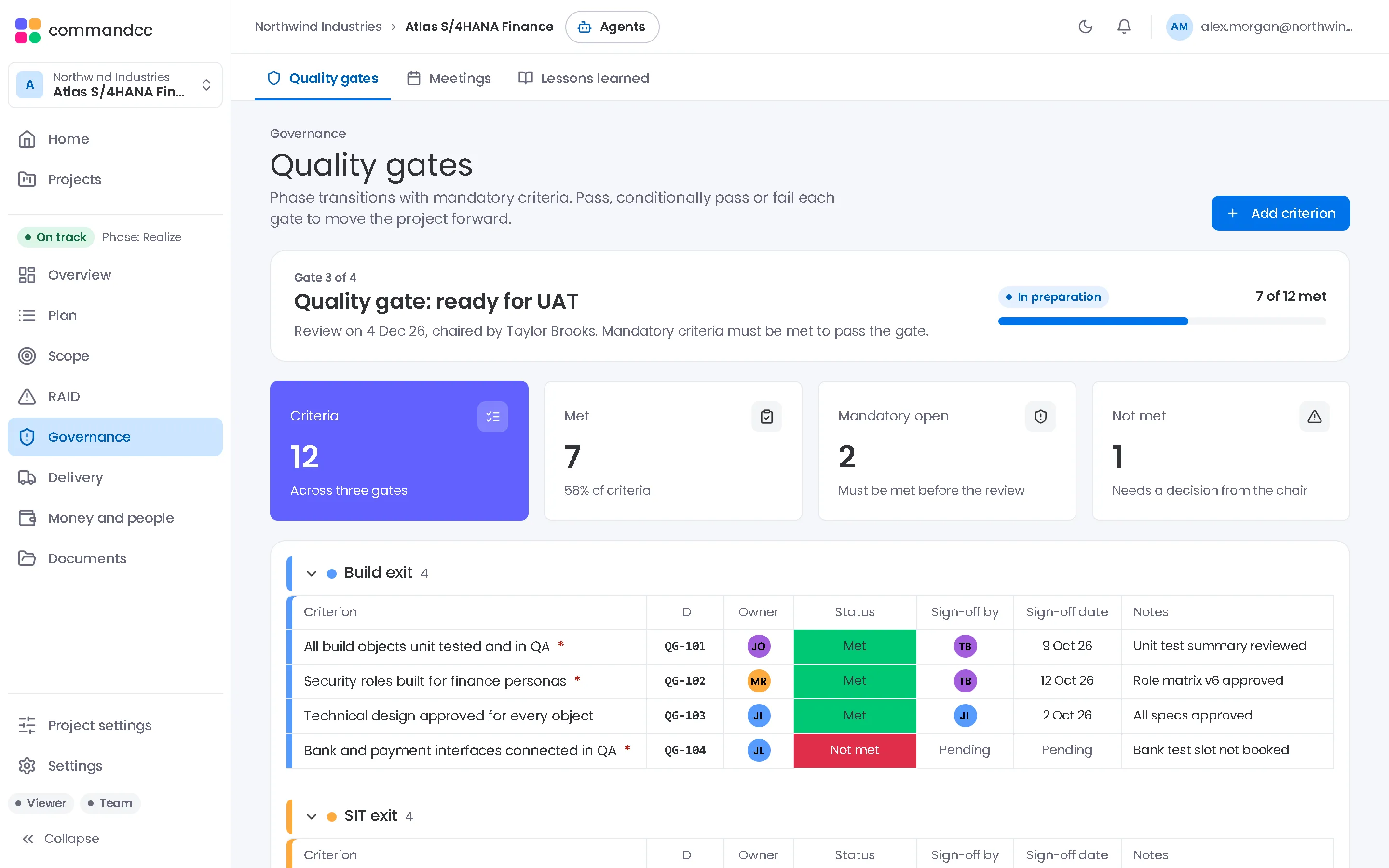
Gate criteria with owners and sign-offs, and minutes for every steering committee.
- Quality gates
- Meetings
- Lessons learned
Budget and resources
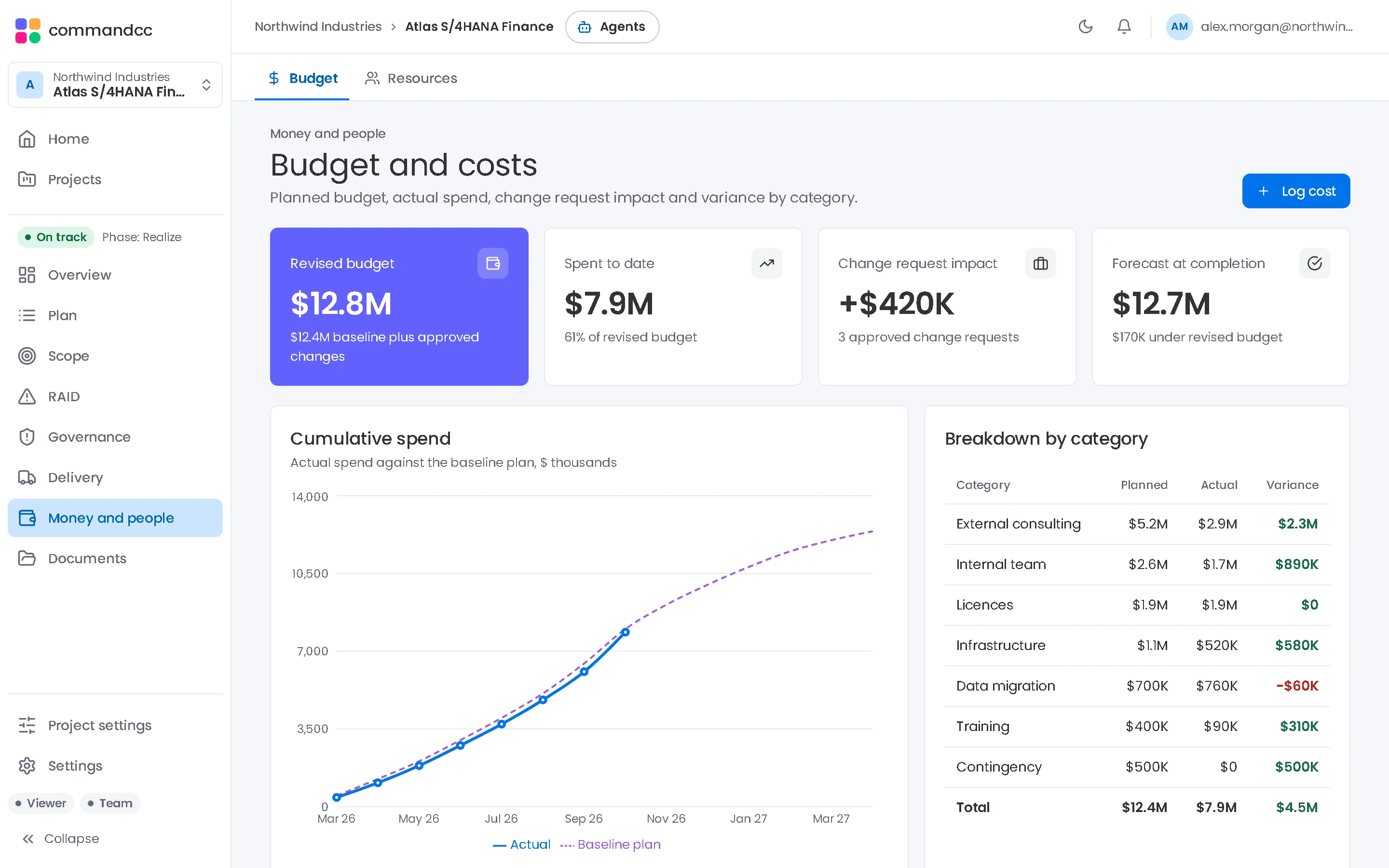
Spend against plan, the cost of approved changes and the size of the team.
- Budget
- Resources
A week in the PMO
- Monday: workstream leads update tasks, risks and test results in the modules they own.
- Tuesday: the PMO runs the RAID review from the heatmap and the blocker filter, and assigns actions.
- Wednesday: the design authority meets, and its decisions are recorded with their rationale.
- Thursday: the PMO checks the gate criteria due this month and follows up the open sign-offs.
- Friday: the programme manager takes the status snapshot, writes the commentary and marks the report final.
Common questions
Can the system integrator work in the same workspace?
Yes. Integrator staff can be members of the programme with their own roles, from consultant to viewer, so both sides work from the same records.
We run several programmes. Can we see them together?
Yes. The home view lists every programme you can see with its health, and each company view filters its programmes by status, health and type.
Talk to us about the programmes you run.
Tell us how many programmes you run, which applications they implement and how you report today. We will show you CommandCC from your seat.