For independent PMs and advisors
Bring a complete programme toolkit to every engagement.
Independent programme managers and advisors are hired to bring order quickly. Building trackers for each new client takes the first weeks of an engagement, and the trackers rarely outlast it.
CommandCC gives you the plan, registers, gates, tests, cutover runbook and status reports from the first day, and keeps the record of the programme in one place for whoever runs it next.

Independent PMs and advisors
Bring a complete programme toolkit to every engagement.

Problems CommandCC is built to remove
Weeks lost to set-up
Every engagement starts by rebuilding the same spreadsheets for plans, risks and status.
Advice needs evidence
Recommendations land better when you can show the risk history, the gate sign-offs and the test results behind them.
Several clients at once
Advisors who serve more than one client need each programme kept separate, and still need to move between them quickly.
The modules that matter most
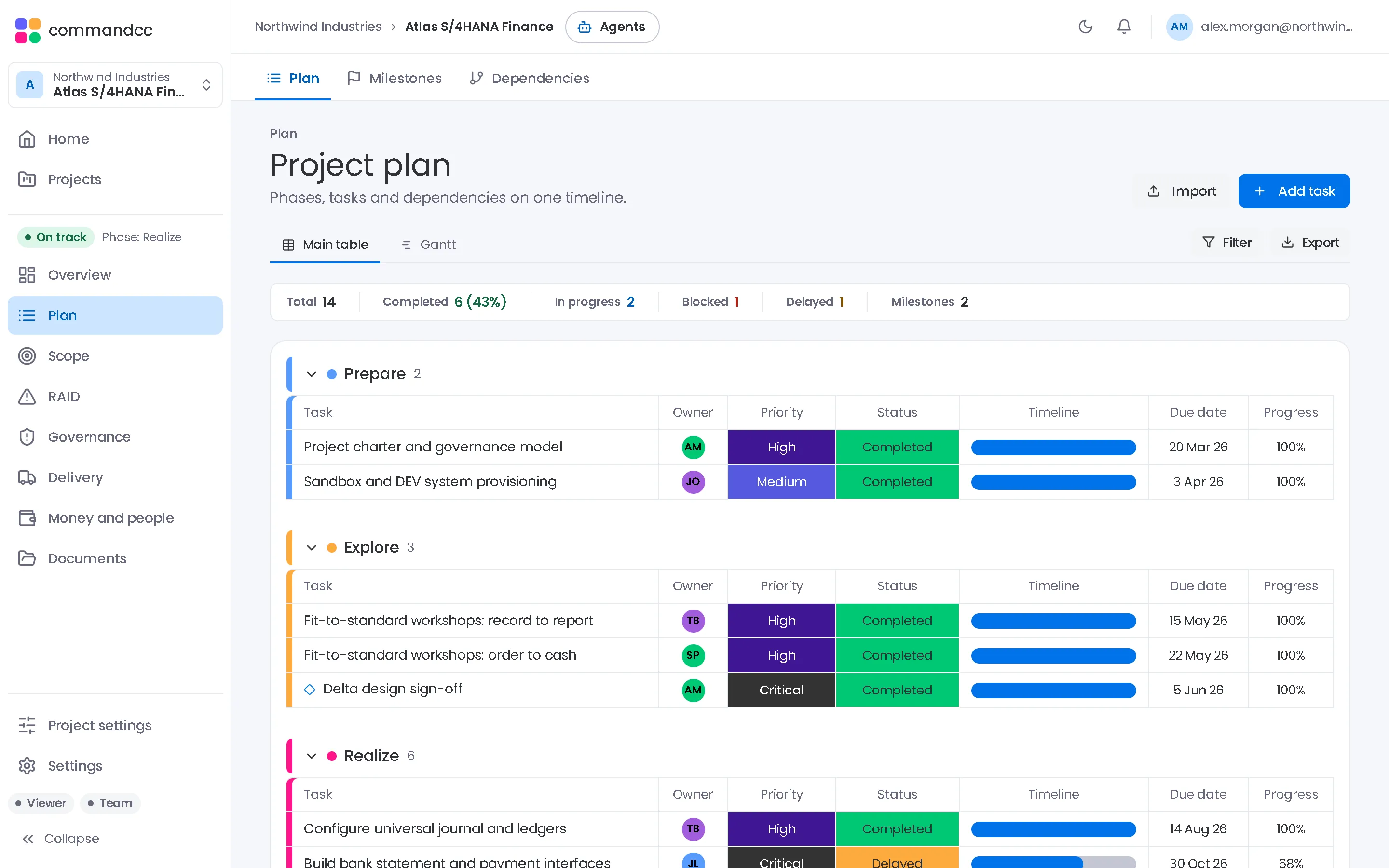
Planning
Import the client's existing plan on the first day.
- Plan
- Milestones
- Dependencies
Governance
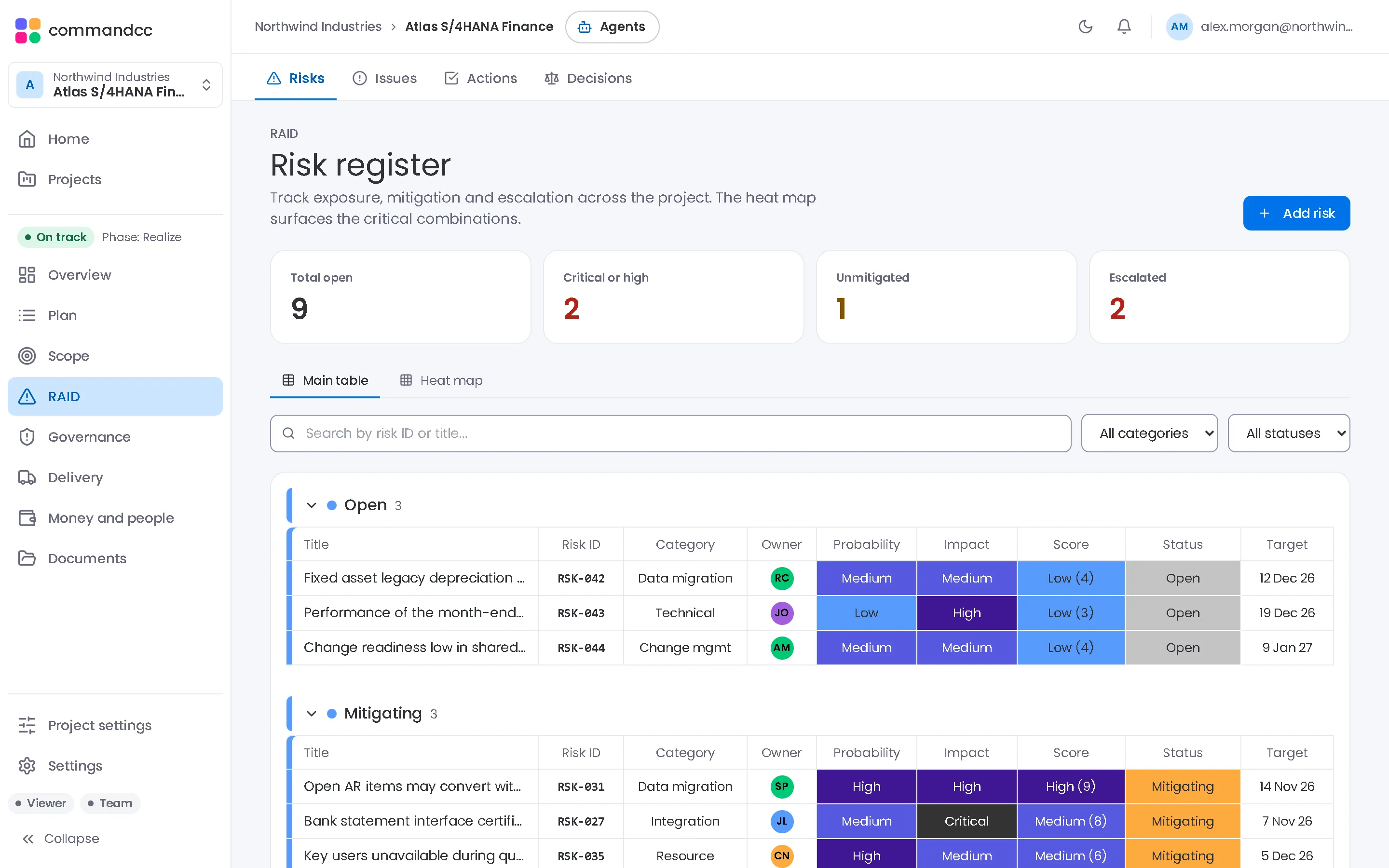
Gates with criteria and sign-offs that make your advice visible.
- Quality gates
- Meetings
- Lessons learned
Portfolio and reporting
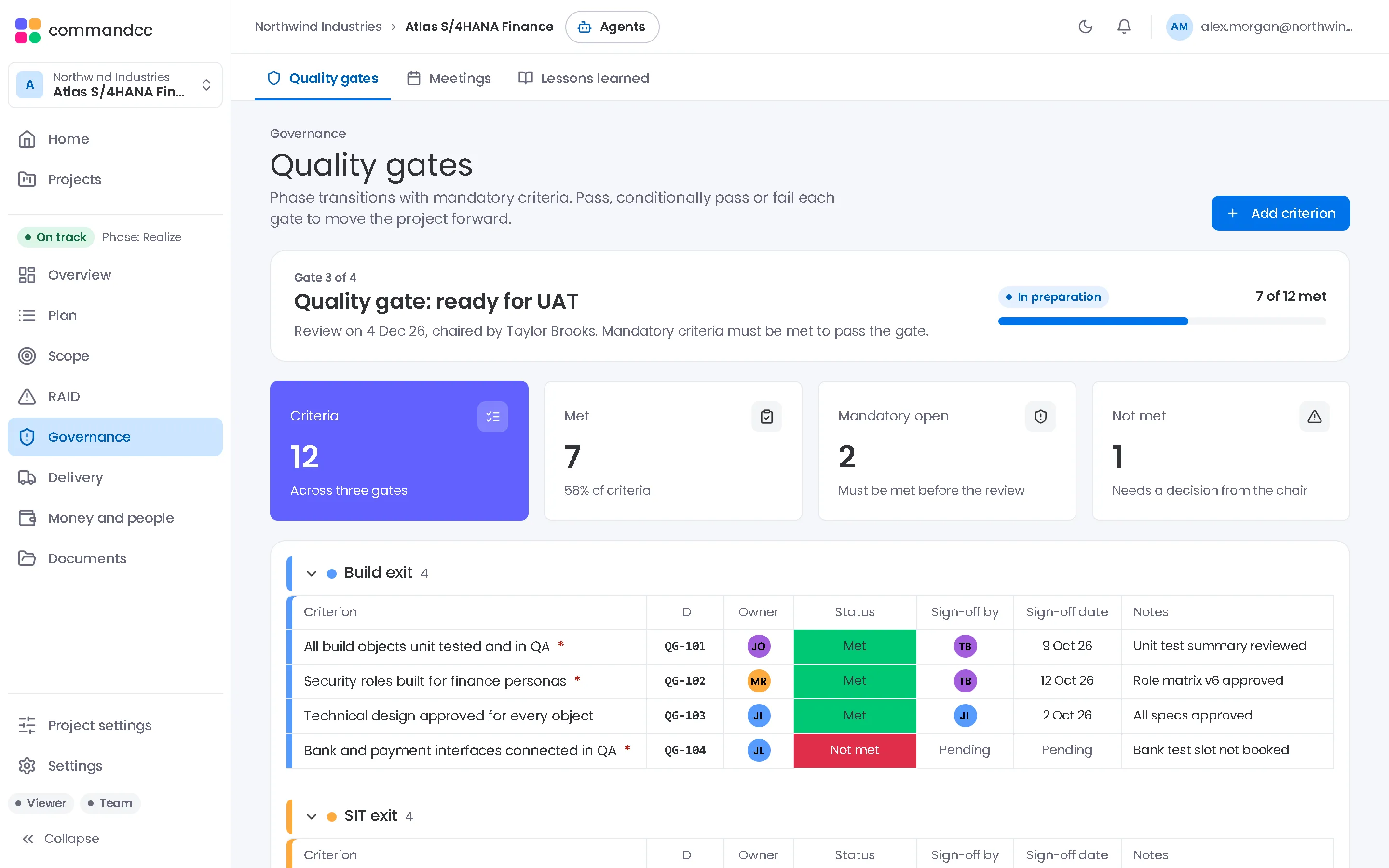
Status reports from live records, with your commentary.
- Executive summary
- Dashboard
- Status reports
The first two weeks with a new client
- Create the client's company and programme and invite the programme leads.
- Import the current plan from MS Project XML or Excel.
- Run a risk workshop and record each risk with its probability, impact and owner.
- Set the criteria for the next gate and agree who signs each one.
- Publish the first status report from the records, with your assessment in the commentary.
Common questions
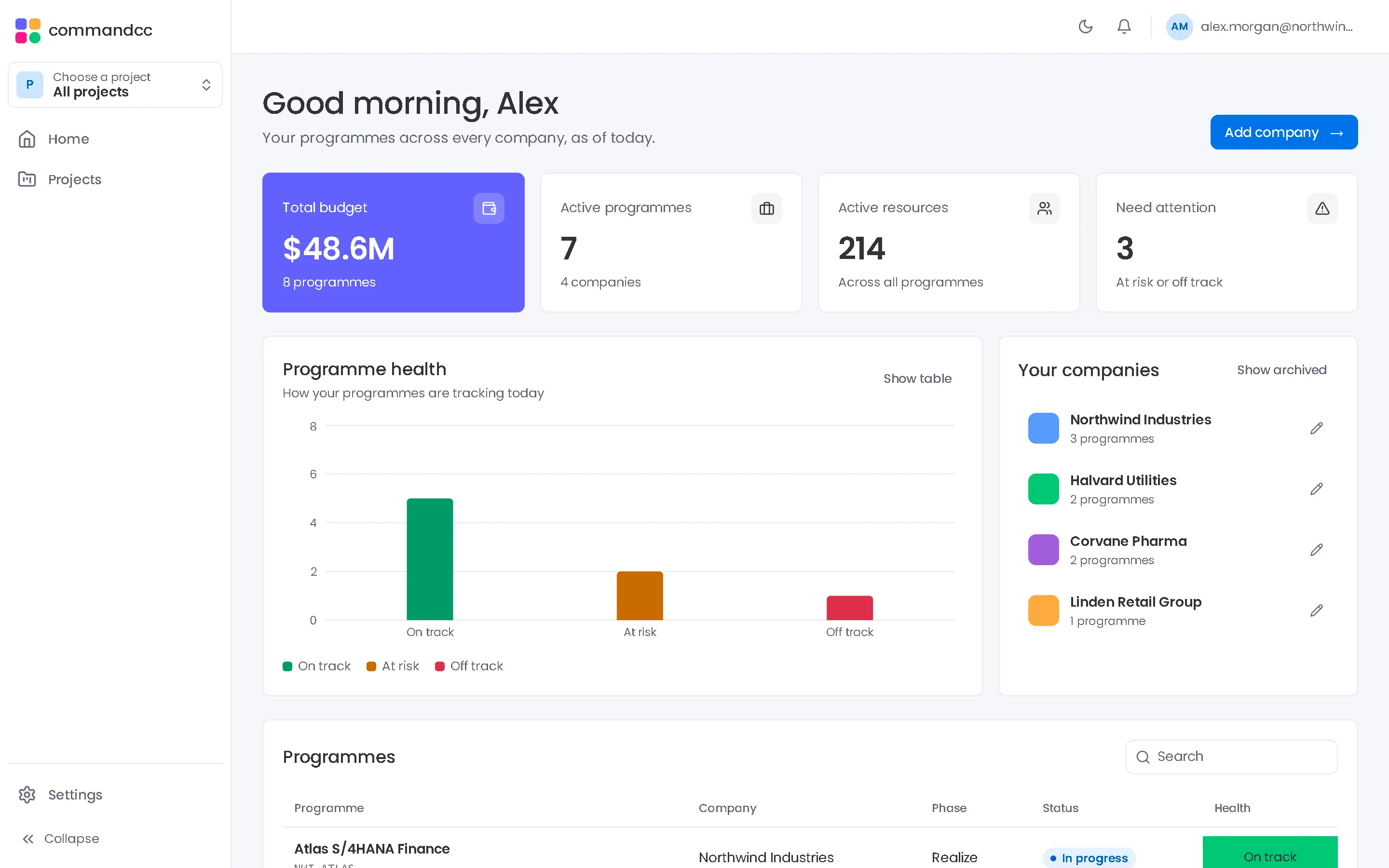
Can I manage several clients from one account?
Yes. One account can belong to several companies, and the home view lists them all.
Which plan suits an independent PM?
Professional includes everything on this page. Team covers the plan, RAID log and governance for up to three active programmes. The pricing page has the details.
Talk to us about the programmes you run.
Tell us how many programmes you run, which applications they implement and how you report today. We will show you CommandCC from your seat.